
Neither a $500/month SaaS platform nor a brittle Python script — local-first automation tools are gaining traction with technical teams who want control without complexity.
- Option — Strength — Risk — Best fit
- SaaS platform (hosted) — No infra to manage, built-in connectors — Vendor lock-in, cost scales with usage — Simple SaaS-to-SaaS flows
- Local workflow engine — Full control, self-hosted, visual UI — Setup time, needs DevOps capacity — Internal systems, sensitive data
- Raw scripts — Maximum flexibility, no platform cost — Fragile, no UI, hard to hand off — One-off or dev-only tasks
The Automation Spectrum
Technical teams building internal automation typically end up at one of two extremes. The first is a SaaS automation platform — Zapier, Make, n8n Cloud — which is fast to set up but expensive at scale and limited when workflows need custom logic. The second is raw scripting in Python or Bash, which is flexible but fragile: no UI, poor error handling, and dependent on whoever wrote it remembering how it works six months later.
Local-first automation occupies the space between. Tools like n8n (self-hosted), Windmill, and Prefect give you a workflow engine you control, running on infrastructure you manage, with a visual layer that makes workflows legible to non-authors.
Why “Local-First” Matters for Automation
For most internal automation, the data involved is sensitive: customer records, financial reports, internal comms. Routing that data through a third-party SaaS platform requires trusting the vendor’s security posture, accepting their data retention policies, and sometimes negotiating compliance agreements.
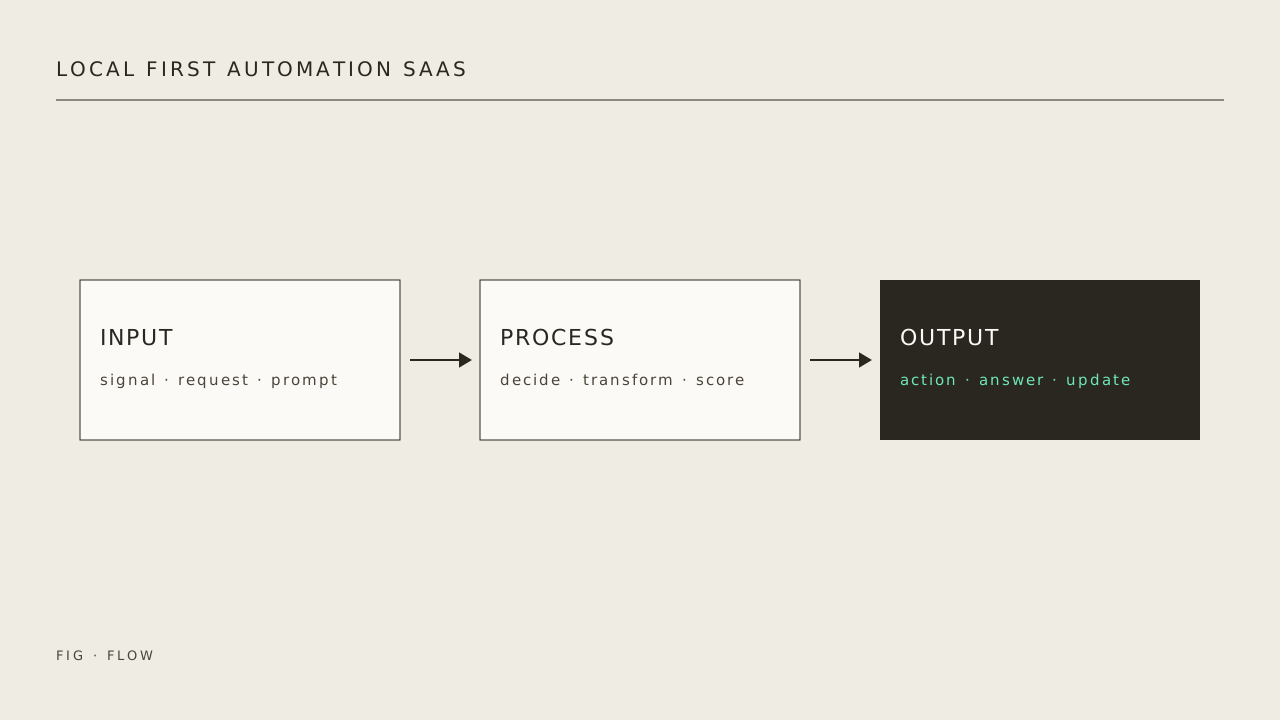
Running the workflow engine on your own infrastructure eliminates those concerns. The workflow definition lives in your repo. Execution logs stay in your environment. You own the credentials.
The Real Cost Comparison
SaaS automation platforms typically charge by task execution volume. At low usage, this is cheap. But teams that automate successfully tend to automate more — and costs scale linearly with usage. Self-hosted tools trade upfront setup time for a flat infrastructure cost that doesn’t grow with automation breadth.
The crossover point depends on team size and automation complexity, but teams running more than a few dozen workflows per day often find the economics favor self-hosting within months.
What Local-First Tools Are Better At
- Complex branching logic: Visual SaaS tools struggle with multi-level conditional flows. Self-hosted tools let you write code for complex branches while keeping the overall structure visual.
- Internal systems integration: Connecting to a database, internal API, or file system is natural when the workflow engine runs inside your network.
- Audit and debugging: Full execution history stored locally, queryable by your team, without paying per log line.
What SaaS Still Wins On
Speed to first workflow, built-in connectors for hundreds of SaaS products, and no infrastructure to maintain. For teams without DevOps capacity or for simple cross-SaaS workflows, hosted platforms remain the pragmatic choice.
The Practical Middle Path
Many teams run a hybrid: a hosted automation platform for simple SaaS-to-SaaS workflows, and a self-hosted engine for anything touching internal systems, sensitive data, or custom logic. The key is having a deliberate policy about which category a new workflow belongs to, rather than defaulting to one tool for everything.
Sources
- https://www.inkandswitch.com/local-first/ — Ink & Switch — the canonical ‘Local-first software’ essay defining the principles.
- https://docs.n8n.io/ — n8n — official docs for the self-hostable workflow engine referenced as middle ground.
- https://github.com/n8n-io/n8n — n8n — source repository (license, deployment options, community activity).
- https://zapier.com/blog/ — Zapier — vendor perspective on hosted SaaS automation, the comparison baseline.