
- Encryption scrambles information so only someone with the right key can read it.
- It protects messages, payments, passwords, and stored files from prying eyes.
- Two common types are symmetric encryption (one shared key) and asymmetric encryption (a public and private key pair).
What is Encryption?
Encryption is the process of turning readable information into a scrambled format that looks like meaningless gibberish to anyone who does not have the right key. When the right key is used, that gibberish can be turned back into the original message. The original readable form is called plaintext, and the scrambled form is called ciphertext.
We use encryption every day, often without noticing. When you log into your bank, send a text message on a modern messaging app, or pay with a credit card online, encryption is what keeps your information from being read by strangers in between.

A Real-World Analogy
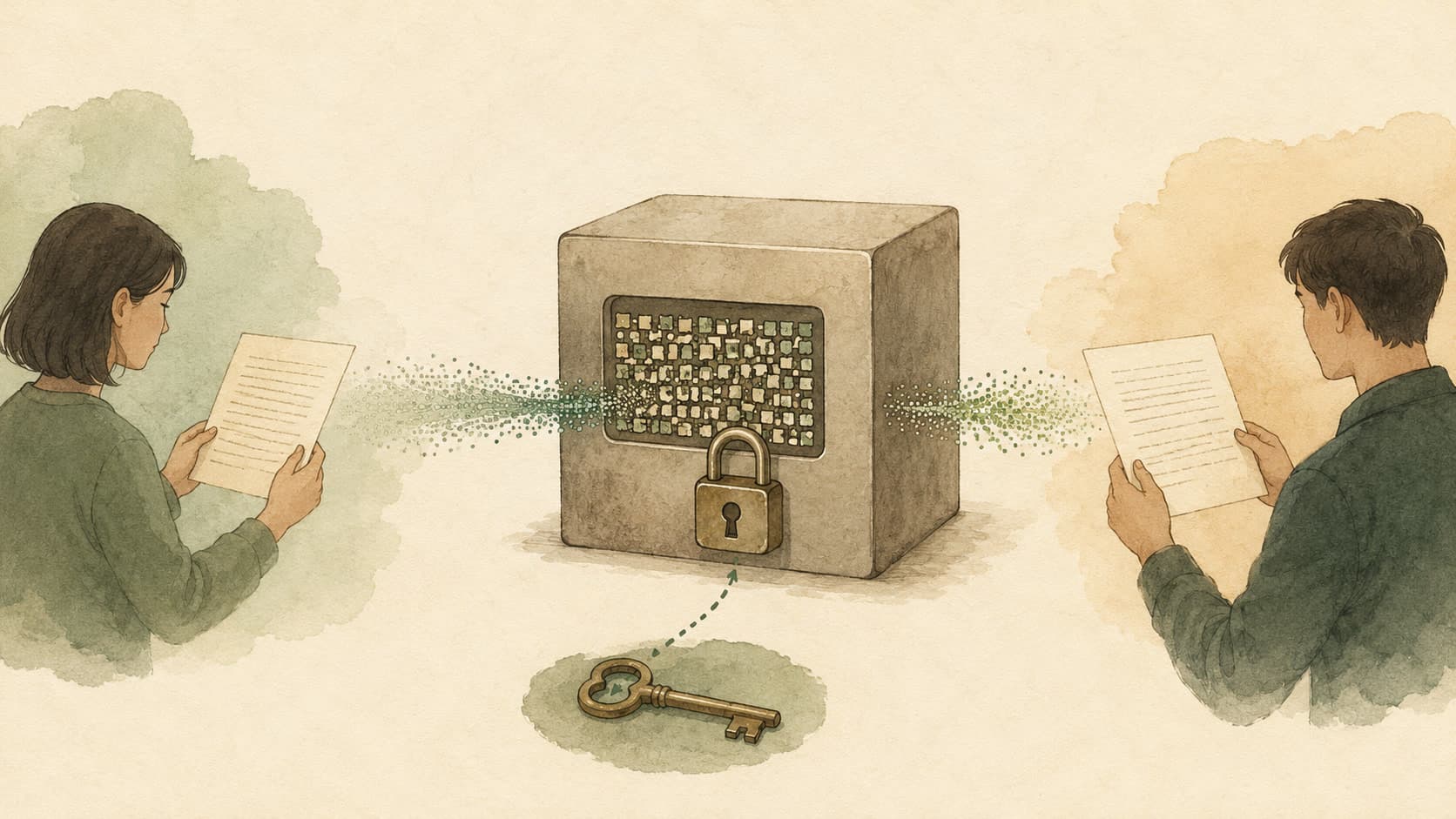
Think of encryption like sending a letter in a locked box instead of a normal envelope. Anyone can carry the box, but only the person with the matching key can open it and read the letter inside. Even if someone steals the box on the way, all they see is a strong locked container with no way to peek inside.
Imagine you want to mail a secret birthday plan to a friend. If you wrote it on a postcard, every mail carrier could read it. If you put it in a locked metal box and your friend has the only key, the message stays private. Encryption works in roughly the same way for digital information.
Why Does Encryption Matter?
Encryption is one of the most important tools for digital safety. Without it, anyone on the same Wi-Fi network as you could see your passwords, your bank balance, or your private chats. Businesses use encryption to protect customer data, comply with privacy laws, and avoid expensive data breaches.
For small business owners, encryption is the difference between a routine day and a public scandal. Even a small leak of customer emails or payment details can damage trust permanently. Strong encryption, along with good passwords and updates, dramatically lowers that risk.
How It Works
At the heart of encryption is a mathematical formula called an algorithm and a secret value called a key. The algorithm uses the key to scramble the data in a way that is extremely hard to reverse without the matching key.
There are two main families. Symmetric encryption uses the same key to lock and unlock the data, like a single house key shared between two people. Asymmetric encryption uses a pair of keys: a public key that anyone can use to send you a locked message, and a private key that only you have to unlock it. Most modern websites combine both kinds: they use asymmetric encryption to safely exchange a temporary symmetric key, and then use that key for the rest of the conversation because it is faster.
Common Examples
| Where You See It | What It Protects | Everyday Comparison |
|---|---|---|
| HTTPS websites | Browsing, logins, payments | A sealed envelope for every web page |
| Messaging apps with end-to-end encryption | Private chats and calls | A locked diary only you and one friend can open |
| Wi-Fi passwords (WPA2/WPA3) | Data going over your home network | A locked gate around your wireless signal |
| Full-disk encryption on laptops | Files if the device is stolen | A safe built into your computer |
| Encrypted backups | Cloud-stored documents and photos | A storage unit with a personal lock |
Key Takeaway
Encryption is like a digital lock and key. It does not stop people from seeing your data exists, but it stops them from understanding what is inside. Whenever you handle private information online, encryption is the quiet technology working in the background to keep it safe.
Related Terms
- Algorithm — The mathematical procedure that powers every encryption method.
- Bandwidth — Encrypted traffic still has to fit through your available network capacity.
- Cache — Encrypted apps often cache decrypted data in memory for speed.
- DevOps — Modern DevOps pipelines automate the rollout and renewal of encryption keys and certificates.
Sources
- Cloudflare, "What is encryption?" — https://www.cloudflare.com/learning/ssl/what-is-encryption/
- NIST, "Cryptographic Standards and Guidelines" — https://csrc.nist.gov/projects/cryptographic-standards-and-guidelines
- Mozilla, "How HTTPS works" — https://developer.mozilla.org/en-US/docs/Web/Security